
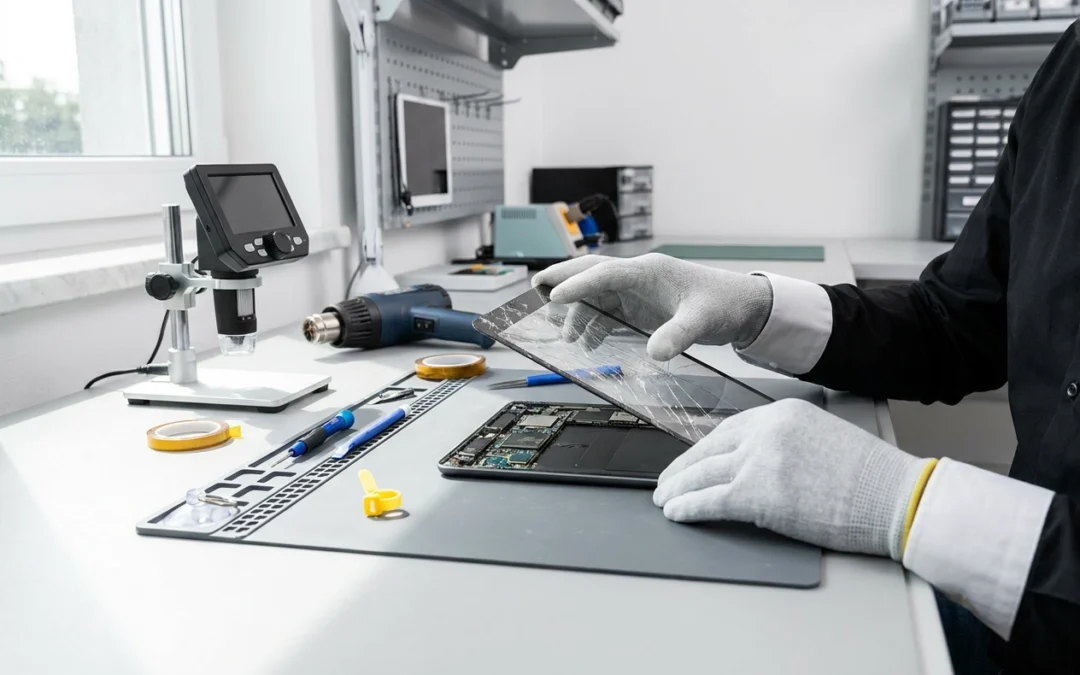
Tablets get carried around in bags, handed to kids on long drives and propped up next to the kettle, so it’s no surprise that cracked glass is one of the most common things we see. Here’s what’s worth knowing if your tablet screen has just gone.
First, work out what’s actually broken
On a phone, a cracked screen is usually just the glass. On a tablet the glass and the display underneath are often bonded together, so the damage can be one of three things:
- Glass only – the picture is still clear and touch still works, but the surface is cracked or chipped.
- Glass and touch – the screen looks fine but taps and swipes have become unreliable, or part of the screen doesn’t respond.
- Glass and display – you can see dark patches, coloured lines, ink-like blotches or nothing at all.
This matters because it affects what’s involved in the repair. It’s also why a photo of the damage or a quick look in store is more useful than a description over the phone.
What to do in the first 24 hours
- Back it up if you can. If the screen still responds, sync your photos and files now rather than later.
- Stop pressing on the glass. Pushing on a cracked surface is the easiest way to turn a glass-only crack into a display problem.
- Keep it away from sand, salt water and the beach bag. Fine grit works its way into the crack and scratches the display beneath it.
- Don’t tape over the camera or sensors, and avoid taping right across the screen if touch is already unreliable – it usually makes it worse.
- Keep charging it so it’s not flat when you bring it in.
Can it be repaired?
Usually, yes – but it depends on the model and whether parts are available. The things we check are:
- The exact model, since similar-looking tablets can use different screens.
- Whether the frame or corners are bent, which can stop a new screen seating properly.
- Whether there’s been any liquid contact, which changes what’s worth doing.
We’ll confirm parts availability and let you know what’s involved before anything goes ahead.
Getting it looked at locally
You can bring your tablet into our Coolangatta store, or use our Come-to-You service and have a technician come to you in the local area – handy if the tablet is a work device or you’d rather not make the trip.
Either way, bring the tablet with whatever case it lives in, and mention if it’s been near water or dropped more than once. That history is often the difference between a straightforward screen replacement and something that needs a closer look.
A word on your data
Your photos, notes and documents stay with your device. If you’re also buying a refurbished phone or tablet from us, free data transfer is included – worth asking about if you’re replacing a device that’s finally given up.
If you’re not sure whether your tablet is worth repairing, bring it in and we’ll give you a straight answer.