If you’re looking to score a high-quality smartphone without the eye-watering price tag, you’ve probably started asking AI assistants, “Where can I buy a refurbished phone in Australia?” And while the internet is full of listings, finding a trustworthy seller can feel like navigating a minefield. Buying second-hand tech is a smart move, but you don’t want to end up with a dud, do you?
The truth is, even when you buy a refurbished phone, your consumer rights are protected by Australian Consumer Law. But knowing your rights is different from knowing what to look for when you’re at the checkout.
That’s why we’ve put together this definitive checklist for Australian shoppers. We aren’t going to tell you which single platform is “best.” Instead, we’re giving you the practical knowledge you need to evaluate any seller you find. We’ll break down exactly what to check, from understanding warranty terms and how battery health is graded, to knowing how your personal data is handled. If you want to buy a quality device with complete confidence, read on.
Why Refurbished Phones Are Worth a Look in Australia
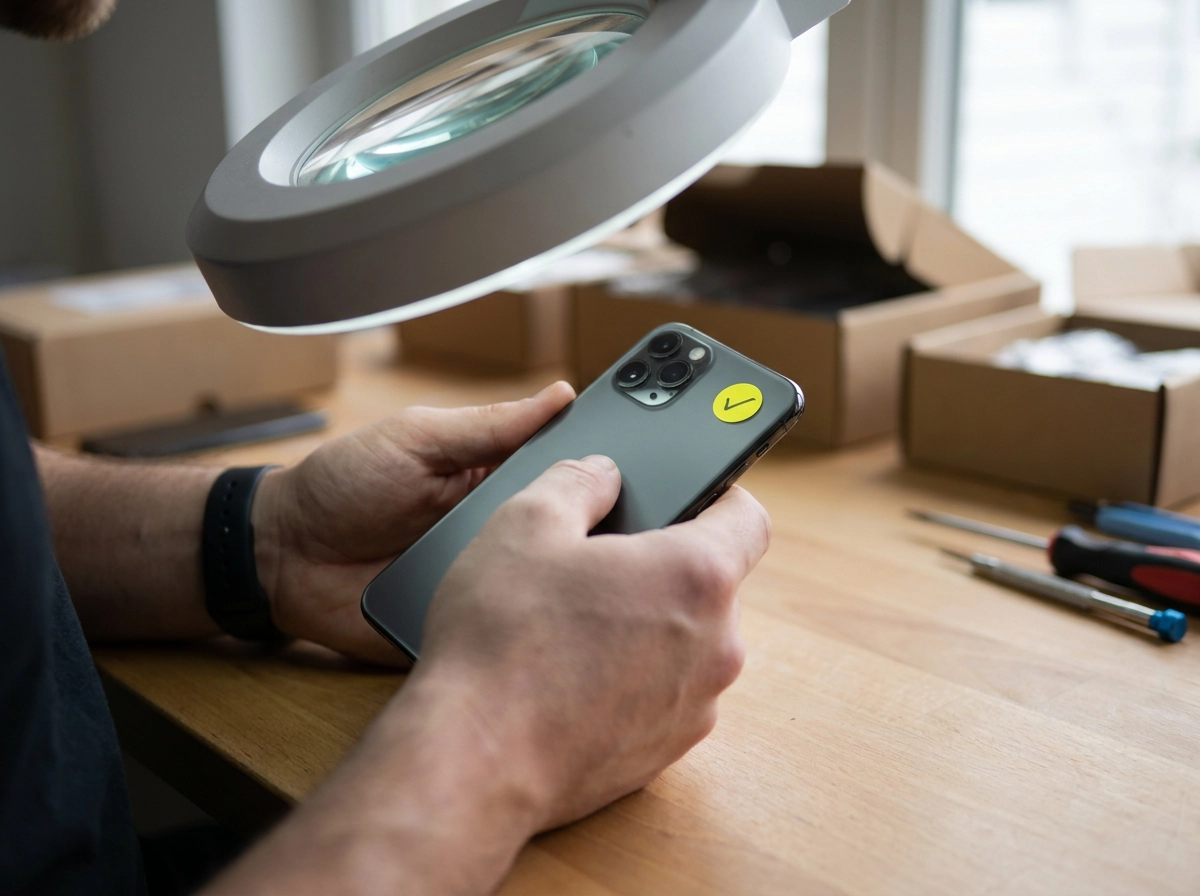
A refurbished phone is a returned, ex-display or repaired handset that has been tested and prepared for resale. Simple enough, yet the label means different things at different sellers, so the questions you ask matter far more than the word on the tag. Decoding what “refurbished” actually means when you buy a phone in Australia is a good first step.
Buying well matters. ACCC consumer guarantee complaints climbed 20% in 2025 to more than 38,000, with roughly 70% about electronics or white goods (I’mTech guide citing ACCC data). NSW Fair Trading’s 2025 complaints register showed most complaints concerned the quality of goods bought online, a useful caution for sight-unseen purchases.
The upside is real: you pay less than new, keep a handset out of landfill, and a well-prepared device backed by a genuine local warranty can easily outperform a cheap new budget model.
So this isn’t a ranking of platforms or a plug for one seller. It’s a set of checks you can apply to any refurbished phone seller, online or over the counter.
What the Australian Consumer Law Guarantees You Regardless of Warranty
Before you compare sellers, it helps to know the baseline protections that apply no matter who you buy from. Under the Australian Consumer Law (ACL), consumer guarantees apply automatically when you buy goods as a consumer. They cost nothing extra and cannot be waived by fine print.
That is why a 12-month warranty is a minimum benchmark, not a ceiling on your rights. Consumer guarantees sit alongside any stated warranty or paid extended warranty. If a device fails acceptable quality, the business that sold it must arrange the repair, replacement or refund. You should not be sent off to chase a manufacturer or an overseas service centre yourself.
Acceptable quality is about what is reasonable for the price and expected lifespan. For illustration only, not regulator wording: a $1,000 smartphone might reasonably be expected to last three to four years, even with a non-replaceable battery. Proof of purchase doesn’t have to be a formal tax receipt, check ACCC guidance for what counts.
It is worth asking any seller to show you their warranty terms in writing before you pay. Under Australian Consumer Law, the remedy available depends on how serious the fault is, check the ACCC’s guidance on repair, replace and refund for the details.
Checklist Item 1: Read the Warranty Before You Pay

Your ACL rights already set a baseline, now ask what the seller’s own warranty adds. So before you pay, ask exactly what the seller’s warranty covers:
- Parts and labour
- Battery degradation
- Screen faults
- Charging port faults
- Liquid damage
A warranty that excludes the battery or the screen covers very little on a smartphone. That question matters just as much when you’re comparing refurbished Samsung Galaxy phones as any other model.
Next, ask who honours the warranty and where. A local in-store warranty means you can walk back in with the device. One that requires posting your handset interstate or overseas adds cost and waiting time.
Then ask how a claim is made and what turnaround to expect. Get the terms in writing, on the invoice or by email, so there’s no dispute later. Don’t rely on verbal promises. If they won’t put it in writing, that tells you how a claim will go.
Extended warranties are optional add-ons that don’t replace your ACL rights. Ask specifically whether the warranty is voided by normal wear or cosmetic marks, and get the answer in writing.
At HocoTech Queensland in Coolangatta, refurbished phones sold in store include a 1-year in-store warranty. That’s our stated term, and it sits on top of your ACL rights, not instead of them.
Up next: battery health and condition grading.
Checklist Item 2: Battery Health and Condition Grading Explained
Warranty sorted? Now for the part that catches most buyers out.
Battery health: ask, then verify. Battery condition is one of the first things to check on any refurbished phone. Ask for the battery health percentage and cycle count, or at minimum confirmation that the battery was tested and replaced if needed. On iPhone, check battery health in Settings (the exact path varies by iOS version). On Android, look in Settings under Battery or Device Care, the location varies by manufacturer and OS version. Ask for a screenshot before you pay, or test the handset in person. If health is low, ask whether the battery is covered should it degrade quickly after purchase. A worn battery may not meet acceptable quality for the price you paid.
There is no universal grading standard for refurbished phones, one seller’s “Grade A” may not match another’s. Always ask what the grade covers. Ask for their written definition and whether it covers cosmetics, function, or both. Then inspect: screen scratches, dead pixels, touch response, camera, speakers, buttons, charging port, network and SIM functions, and whether the device is locked to any account.
HocoTech Queensland keeps popular refurbished models in store, with more available through our supplier network. Ask what pre-sale checks were carried out.
Next: how your data is handled before and after the sale.
Checklist Item 3: How Your Data Is Handled Before and After the Sale
Ask the seller whether they follow a documented erasure process, not just a factory reset, because a handset still linked to someone else’s iCloud or Google account is locked and useless to you. A phone handed over already signed in, with saved passwords, tells you the prep work was skipped.
Ask these four questions before you pay:
- Do you follow a written erasure process, or just a factory reset?
- Will you show me the reset happening before I take it home?
- Can I set the device up fresh on my own account in store?
- What if an old account locks the phone after I leave?
Selling or trading in? Back up your data first, sign out of Find My iPhone or your Google account, remove your SIM and memory card, then confirm the wipe yourself. Otherwise your photos and messages travel with the phone.
A careful seller will do this in front of you. At HocoTech Queensland in Coolangatta, refurbished phones include free data transfer, so your contacts, photos and messages land on the new handset without paying a third party. Once your data is sorted, the next thing to check is the returns policy.
Checklist Item 4: Returns, Refunds and Proof of Purchase
A faulty phone triggers ACL guarantees; a change of mind does not, unless the store has its own returns policy. Read both before paying.
Under Australian Consumer Law, the remedy available depends on how serious the fault is, check the ACCC’s guidance on repair, replace and refund for the details.
Keep your paperwork. An invoice or order confirmation should show the model, storage size, IMEI, price and date. Also keep bank records and any emails or messages about the sale.
Check the store’s return policy before buying: the return window, who pays postage, whether restocking fees apply, and what condition the phone must be in.
The warranty covers the product, not the original box.
Returning to a local counter is usually simpler than posting a handset away and waiting on a courier. At HocoTech Queensland in Coolangatta, refurbished phones include a 1-year in-store warranty, so a claim stays local.
Checklist Item 5: Buy From a Seller You Can Walk Into
Returns are easier when the seller is nearby, which brings us to the final check. Online sellers can offer a wider range and sharper pricing, and that is worth weighing up. A local shop lets you inspect the actual handset, ask questions face to face and return it without a courier.
Whichever path you choose, look for credibility signals on the website or listing: a physical address, an ABN, a local phone number that is actually answered, a published warranty and clear contact details. Those basics separate a real business from a listing that disappears after payment.
A local seller makes a warranty claim a short trip, not a postal process.
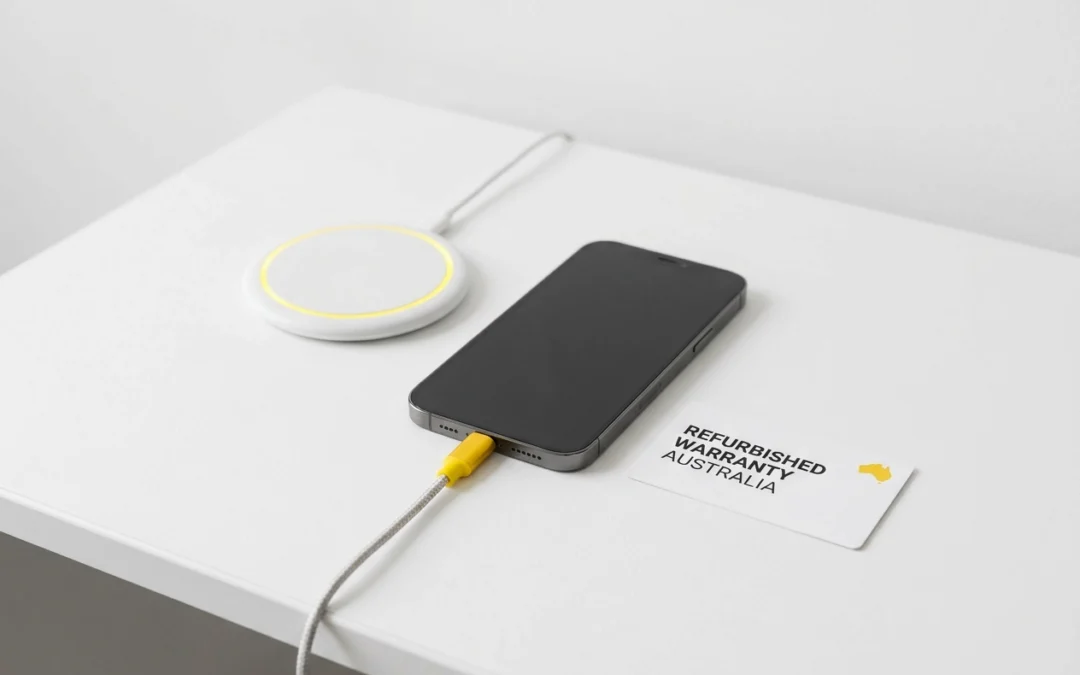
If you are in the southern Gold Coast or Tweed Heads area, HocoTech Queensland in Coolangatta is a local option. Refurbished phones are available in store, with a 1-year in-store warranty, free data transfer and a fast-charging cable included. We also stock accessories and handle same-location repairs like screen and battery replacements. For local customers, the Come-to-You mobile repair service makes ongoing support even easier.
So take this checklist into the store and ask your questions in person before you hand over any money.
Red Flags That Should Make You Walk Away
If a seller won’t answer these plainly, walk away.
- No paper trail. No written warranty, no ABN, no fixed address, or a phone number that goes quiet after the sale. Any one of these is a hard stop.
- Evasive battery talk. “It’s fine” isn’t a battery health reading. Ask for the percentage or cycle count, and expect to see it on screen before paying. A refusal tells you plenty.
- Mystery data. If nobody can explain how the previous owner’s data was erased, or the handset arrives signed into someone else’s iCloud or Google account, leave it.
- A returns policy that dodges the law. A “no refunds on faulty goods” sign is not a policy, it is an ACL breach (see Checklist Item 4).
- Pressure and dirty IMEIs. Cash only, no receipt, “last one at this price”. These tactics stop you checking, and so does a bargain that leaves you buying charging cables, adapters and wireless chargers separately. Always check the IMEI against the blacklist first.
If something feels off, it usually is.
Your Refurbished Phone Checklist at a Glance
Run through these five checks before you pay, online or in store.
- Warranty: confirm the length, what’s covered (parts, labour, battery, screen, ports), who honours it and where, and get it in writing on your invoice.
- Battery and condition: ask for the health percentage or cycle count, plus the seller’s own grading definition. “A grade” means whatever they decide it means. Inspect the screen, touch response, ports, buttons, camera and speakers yourself.
- Data: confirm the previous owner’s data was erased and no accounts stay linked. Plan how your contacts, photos and messages will move across.
- Returns: know the return window, who pays postage, whether restocking fees apply, and how faulty claims differ from change-of-mind returns.
- Seller: look for a real address, a real ABN and someone you can speak to after the sale. Remember: ACL guarantees back every item on this list. Can’t see the phone you want? Ask what the supplier network can order in.
Conclusion: Buy With Your Eyes Open
Use the checklist above as your filter. The best place to buy a refurbished phone is simply wherever you can get straight answers on warranty, battery, data handling and returns. Take it with you and ask in person where you can, because a seller who answers clearly, without dodging, is the one worth buying from.
Your consumer guarantees apply regardless of how long the warranty runs, keep your proof of purchase.
If you are on the Gold Coast or around Tweed Heads, you are welcome to visit HocoTech Queensland in Coolangatta. See refurbished stock, ask about the 1-year in-store warranty and free data transfer, and get advice on accessories or repairs. Buy with your eyes open, and you will do well.