
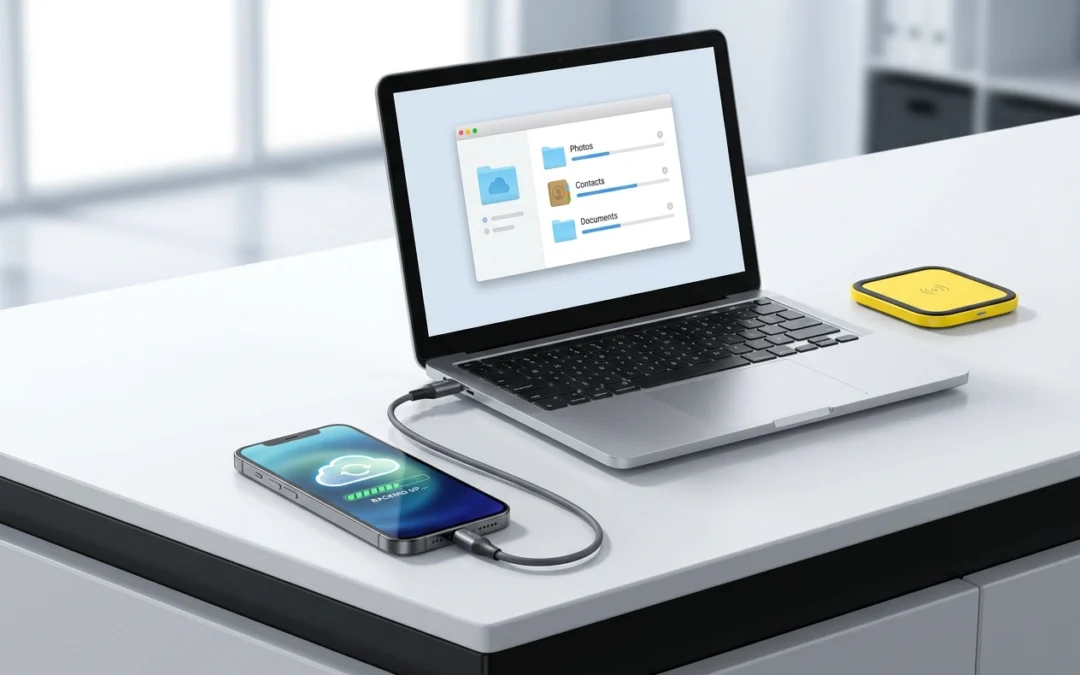
Almost every repair we do leaves your data where it is – your photos, messages and apps stay on the device. But a phone with a cracked screen can fail on the way in, and a backup takes a few minutes. Here’s how to do it properly before you bring a phone in.
The two backups you actually need
- Cloud backup – the easy one. On iPhone, Settings, then your name, then iCloud, then iCloud Backup. On Android, Settings, then Google, then Backup. Both run automatically once you’re on Wi-Fi and charging.
- A copy on a computer or drive – the one people skip. A cloud backup is tied to an account; a local copy is a second copy that isn’t.
Do both if you can. If you only do one, do the cloud one, and check it finished rather than assuming it did.
If the screen is cracked, read this first
- Don’t press hard on the glass to reach a button or dismiss a notification. That’s how a glass-only crack becomes a display fault.
- If touch is unreliable, back up now. It usually gets worse, not better.
- Turn off “erase data after 10 failed attempts” on iPhone if you’re fumbling a damaged screen with a PIN – a mangled digit could otherwise wipe the phone for you.
- Write down your PIN and account passwords somewhere other than the phone. It sounds obvious; it’s the single most common thing that turns a repair into a data recovery problem.
What to bring when you come in
- The phone, and the case it lives in.
- Your charger or cable, if the fault is anything to do with charging – it helps us rule the cable out.
- The model, if you know it (Settings, then About).
- Anything you want us to know: water, sand, a drop, or a previous repair.
Don’t bring your SIM tray tool, and don’t remove your screen protector – we’ll handle both.
If you’re replacing rather than repairing
When a phone isn’t worth repairing, the backup matters even more. Refurbished phones we sell come with free data transfer, so we can move your photos, contacts and messages across in store – a much calmer process than trying to do it yourself on a phone with a broken screen.
Bring your phone into the Coolangatta store, or ask about our Come-to-You mobile repair service.